The extension phones home to no one — no ads, no account, no telemetry, no analytics. MIT-licensed and small enough to read before you trust it. A header tool shouldn't nag you or watch you work.
What it does
-
Any header, verbatim
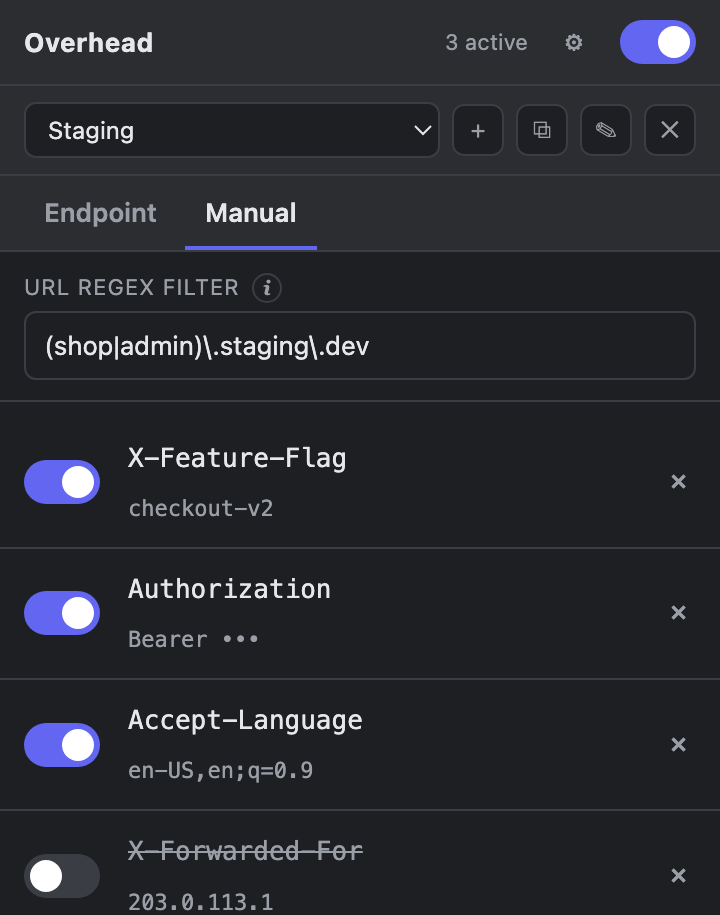
Type any name and value. It's sent exactly as you spell it — no prefixes, no rewriting, no magic.
-
Toggle & scope
Flip each header on or off with one click, and limit them to the hosts you're testing with a URL regex.
-
Named profiles
Keep separate sets for staging, prod, or a canary — each with its own headers and scope. Switch in one click.
-
Standard-header hints
The manual field autocompletes ~60 standard and
X-headers and suggests a typical value. -
Header catalogs
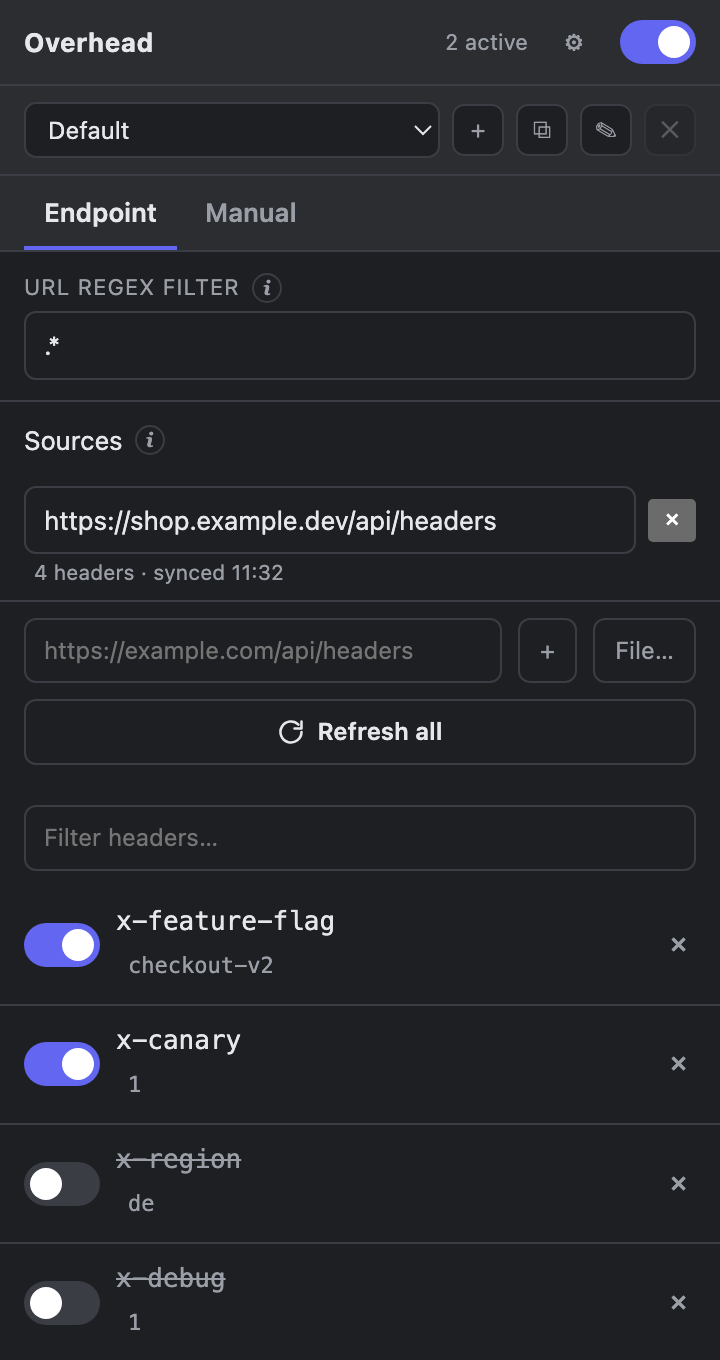
Point it at a JSON endpoint or a local file and pick from your backend's known headers.
-
Shareable configs
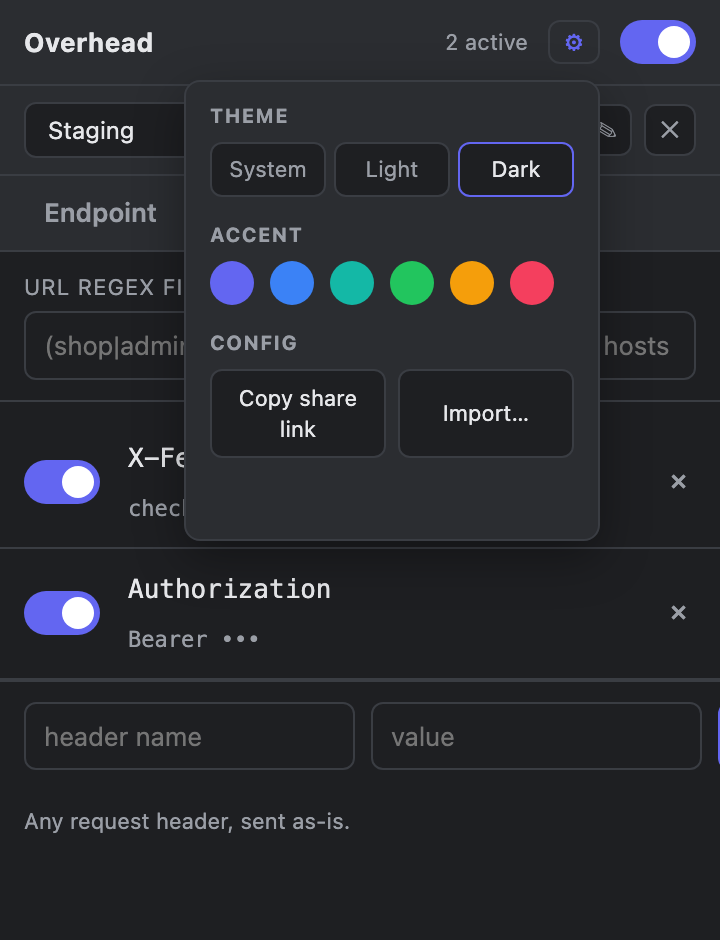
Copy a link that carries your headers in its fragment. A teammate previews it, then imports — no server, no export dance.
-
Themeable
Light, dark, or follow the system — plus six accent colors. Your choice syncs across your browsers.
Install
Chrome / Chromium
- Download
overhead-chrome-v*.zipfrom Releases and unzip it. - Open
chrome://extensionsand turn on Developer mode. - Click Load unpacked and pick the folder.
Firefox
- Grab the signed
.xpifrom Releases. - Drag it onto
about:addons— it installs permanently. - Or load
overhead-firefox-v*.zipas a temporary add-on for a quick try.